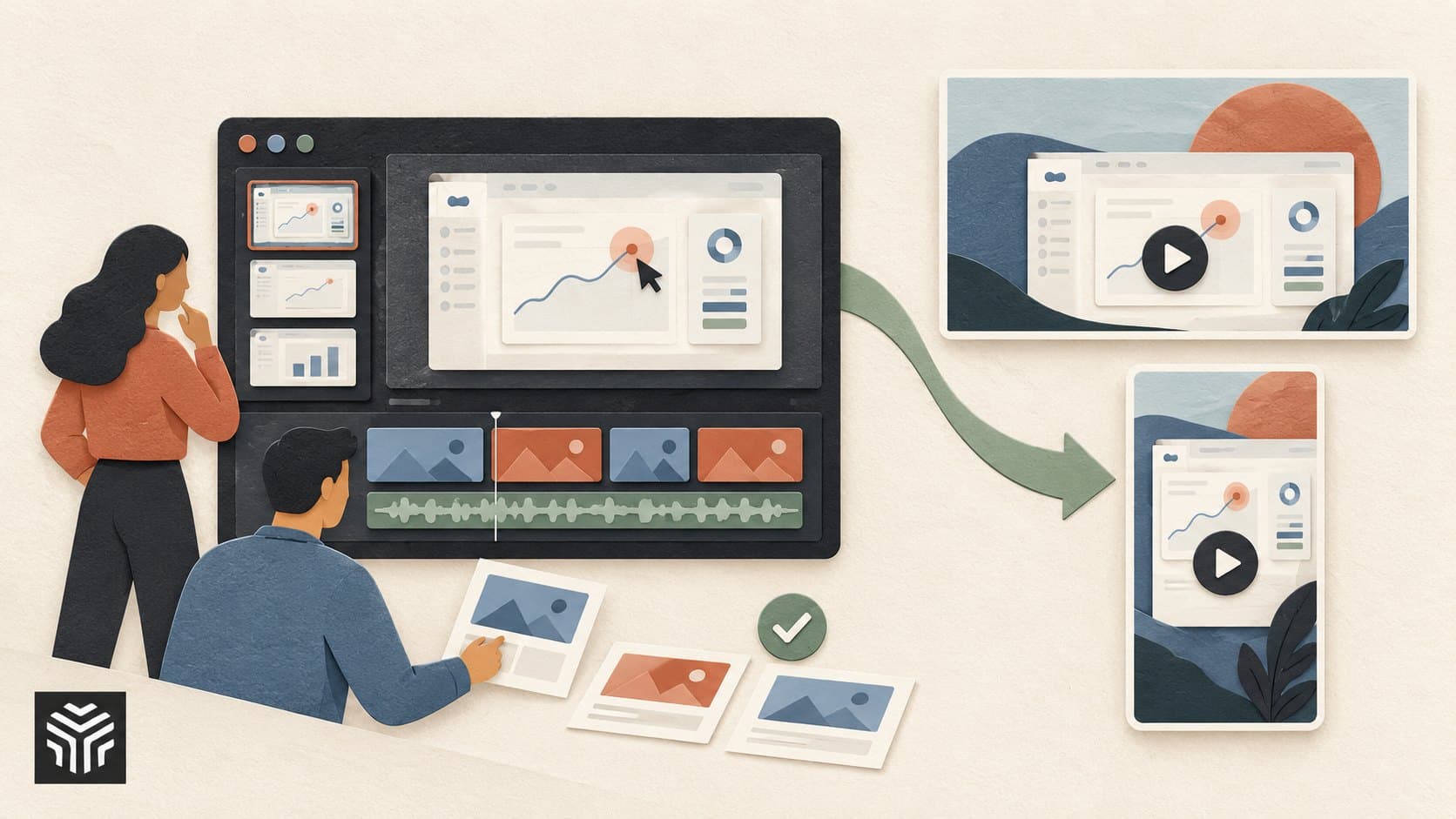
How AI Video Editors Are Changing the Way SaaS Teams Create Marketing Videos
TL;DR: SaaS teams are creating more videos across product launches, demos, social media, sales, and customer education. AI video editors are changing the workflow by reducing repetitive editing work, making content variations easier, and helping teams move from raw footage to usable drafts faster. The biggest shift is not removing human editors. It is giving them more time for storytelling, review, and creative decisions.
Introduction
A SaaS marketing team can have a strong product, a clear message, and plenty of footage, yet still struggle to publish video consistently. Editing interviews, removing mistakes, creating captions, changing formats, and making several versions can take more time than expected.
That workload is one reason AI video editors are becoming part of modern content workflows. According to Wyzowl's 2026 video marketing research, 63% of video marketers surveyed said they had used AI video tools to create or edit marketing videos. The same research found that 59% of respondents created video entirely in-house.
For SaaS teams, this shift is less about replacing the creative process and more about changing where people spend their time. Instead of manually handling every small edit, marketers and editors can use AI for repetitive tasks and focus more closely on the message.
This article looks at how that workflow is changing, where AI video editors fit, and how SaaS teams can use them without losing human control.
Why are SaaS teams using more video?
Video gives SaaS companies a way to show a product instead of only describing it. A short demo can show a workflow, while a customer story can explain how a problem was solved.
Wyzowl's 2026 research found that social media videos were the most common type created by video marketers, followed by explainer videos and testimonial videos. Product demos, sales videos, training videos, and customer onboarding videos were also common uses.
This creates a production challenge. One product may need:
A short social clip
A product demonstration
A longer sales video
A customer education video
Several versions for different platforms
Captioned and localized versions
The problem is not always creating the first video. It is keeping up with everything that comes after it.
A useful online video editor can already handle tasks such as trimming clips, adding captions, changing aspect ratios, and adjusting audio. AI adds another layer by allowing some of these actions to happen through natural-language instructions.
What does an AI video editor actually change?
An AI video editor changes the editing workflow by allowing users to describe certain changes instead of performing every step manually. It can help with tasks such as removing unwanted sections, changing audio or voiceovers, adjusting scenes, and preparing different versions of content.
The important point is that AI does not have to produce the entire video from one prompt. It can work as part of the editing process.
Consider a SaaS company recording a 45-minute product webinar. The raw recording may contain repeated takes, long pauses, off-topic sections, and several useful explanations.
A traditional workflow might require an editor to watch the entire recording and identify those moments manually. An AI-assisted workflow can help locate and process parts of the footage, while the editor reviews the result.
This makes the AI video editor useful for reducing repetitive work without handing over the entire creative decision-making process.
For example, Invideo editor lets users make changes to videos with text commands. Its documented workflows include commands for deleting scenes, changing voiceovers, muting audio, and adjusting video effects.
The editor still needs to decide whether the change improves the video. AI handles an instruction, while the human decides whether the result is right.
Where does AI save the most editing time?
AI tends to be most useful when a video contains many small, repeatable tasks. These tasks may not require a major creative decision, but they can still consume hours across a large content pipeline.
Common examples include:
Cleaning long recordings
SaaS teams often record webinars, interviews, podcasts, product walkthroughs, and customer conversations. These recordings can contain pauses, mistakes, repeated statements, and sections that never make the final cut.
AI-assisted editing can help locate and remove unwanted material faster.
Creating content variations
One long recording can become several pieces of content. A team might turn a webinar into a YouTube video, short social clips, sales content, and an educational snippet.
The creative team still chooses the strongest ideas. AI can help reduce the mechanical work involved in preparing each version.
Captions and accessibility
Captions make video easier to follow in situations where viewers cannot or do not want to use audio. AI can help create captions and keep them aligned with spoken content.
Pacing and structure
An editor may need to shorten pauses, remove repeated information, or move sections into a clearer order. AI can assist with these changes while leaving the final decision with the editor.
This is where an invideo editor can fit into a broader workflow. Teams can use AI-assisted editing for repetitive changes while continuing to work with a timeline and make manual adjustments when needed.
How are AI agents changing video editing?
Agentic video editing goes beyond generating a video from one prompt. An agentic workflow lets a user give an instruction, allows AI to complete several connected editing tasks, and then gives the user a result to review and change.
For example, a marketer could provide a long recording and ask an AI agent to find useful sections, assemble an initial cut, and prepare it for review. The human editor can then adjust the sequence, timing, visuals, or message.
This approach matters because editing is rarely one isolated action. A simple request such as "make this shorter" may involve finding the right sections, removing pauses, adjusting transitions, checking the audio, and reviewing the final flow.
AI Video Creation Is Moving Beyond Single Prompts to Directed Workflows is a useful way to understand this broader shift. Agentic editing is designed around giving AI connected jobs while keeping the project editable and under human direction.
Invideo editor's current agentic workflow, for example, describes AI agents that can work through footage, assemble cuts, and return the work to an editable timeline.
The value is not that AI makes every decision correctly. It is that the editor can spend less time on repetitive operations.
What should humans still control?
AI can speed up editing, but SaaS marketing videos still need human judgment. A technically clean video can fail if it explains the wrong thing or makes the product harder to understand.
Humans should remain responsible for decisions such as:
What problem the video should solve
Which product benefits deserve attention
Which footage supports the message
Whether a claim is accurate
Which customer examples are appropriate
How the brand should sound
Whether the final video feels clear and trustworthy
This is especially important for AI products. A polished interface animation can look impressive while saying very little about how the product actually works.
AArena's recent guidance on making AI product launch videos understandable takes a similar practical approach. It recommends building demonstrations around a clear customer problem and showing enough of the workflow for viewers to understand what happens.
The same principle applies when AI helps with editing. Automation should support the story, not replace it.
How can SaaS teams build an AI editing workflow?
A useful workflow starts with the content goal, not the editing tool. Before opening an AI video editor, decide who the video is for, what they need to understand, and where the video will appear.
A simple process can look like this:
Define the message. Choose one main idea instead of trying to explain the entire product.
Collect the source material. Bring together recordings, screen captures, product footage, graphics, and approved brand assets.
Create a rough cut. Use AI to find useful sections and handle repetitive editing tasks.
Review the story. Check whether the sequence actually explains the product clearly.
Create variations. Prepare different lengths, aspect ratios, or openings for different channels.
Add finishing details. Review captions, audio, branding, transitions, and visual consistency.
Measure the result. Compare engagement and business outcomes with the video's purpose.
For teams working with many short clips, an AI video creation workflow can also help connect generation and editing in one process.
The goal is not to automate everything. It is to remove unnecessary friction between an idea and a finished piece of content.
How can teams repurpose one video into many?
A strong SaaS recording can become a small content library. A product demo might provide a long-form tutorial, a short feature clip, a sales snippet, a social post, and an onboarding explanation.
This is easier when the original footage is organized and the editing workflow keeps versions manageable.
For example, a 20-minute product walkthrough could produce:
One full product demo
Three feature-specific clips
Two short social videos
One customer onboarding section
Several short clips for sales outreach
An invideo editor can be part of this process when teams need to edit existing footage, create variations, add captions, or make changes through text instructions.
The important step is choosing useful moments rather than simply cutting the original video into random pieces. Each version should have its own purpose and audience.
The shift from editing videos to managing workflows
The biggest change may be how teams think about video production.
Traditional editing often treats each video as a separate project. AI-assisted workflows make it easier to think about content as a connected system.
A webinar can become a source for social clips. A product demo can support sales. A customer interview can become an educational video. A launch video can later become onboarding content.
This approach also changes the editor's role. Instead of spending most of the day on repetitive timeline work, editors can spend more time shaping the story, checking quality, and deciding which version works for each audience.
Invideo editor supports this broader approach by combining a multitrack timeline with AI-assisted editing workflows, giving users the option to work manually or use AI for parts of the process.
The result is not fully automated filmmaking. It is a workflow where people and AI handle different parts of the same job.
Frequently Asked Questions
What is an AI video editor?
An AI video editor is software that uses artificial intelligence to assist with video editing tasks. Depending on the tool, this can include finding sections of footage, removing unwanted content, generating captions, changing scenes, adjusting audio, or responding to text-based editing instructions. The user can then review the result and make further changes.
How can AI video editors help SaaS marketers?
They can reduce repetitive work involved in producing product demos, social clips, webinars, tutorials, and sales videos. AI can assist with tasks such as trimming footage, creating captions, producing variations, and making requested changes. This can give marketers more time to focus on messaging, creative direction, and performance.
Can AI replace a video editor?
AI can automate parts of editing, but it does not remove the need for human judgment. Someone still needs to decide what the video should communicate, which footage is useful, whether claims are accurate, and whether the final result fits the brand and audience.
What is agentic video editing?
Agentic video editing uses AI agents to complete connected editing tasks based on instructions. Instead of asking AI to perform only one action, a user can assign a broader job, review the result, and request changes. This can reduce repetitive work while keeping the human involved in creative and quality decisions.
Can one SaaS video become multiple pieces of content?
Yes. A webinar, interview, product demo, or tutorial can provide material for several shorter videos. The key is to give each version a clear purpose. A social clip may focus on one insight, while a sales video may focus on the product workflow.
What should SaaS teams look for in an AI video editor?
Look for a workflow that matches the team's actual needs. Useful considerations include timeline control, AI-assisted editing, captions, audio tools, content variations, collaboration, export options, and how easily people can review and correct AI-generated changes. The right choice depends on the team's content volume and production process.
Conclusion
AI video editors are changing SaaS video production by moving repetitive editing work closer to automation. Teams can spend less time searching through footage, making small changes, and preparing routine variations.
But the strongest workflow still keeps people in control. Marketers decide what the audience needs to understand. Editors decide what works visually. AI handles tasks that can be described, repeated, checked, and revised.
If your team creates video regularly, start with one time-consuming workflow. Test AI on that process, review the output carefully, and measure whether it actually improves production.
A practical next step is to try an AI video editor with an existing piece of SaaS content and see which parts of the workflow can be simplified.
Keep reading
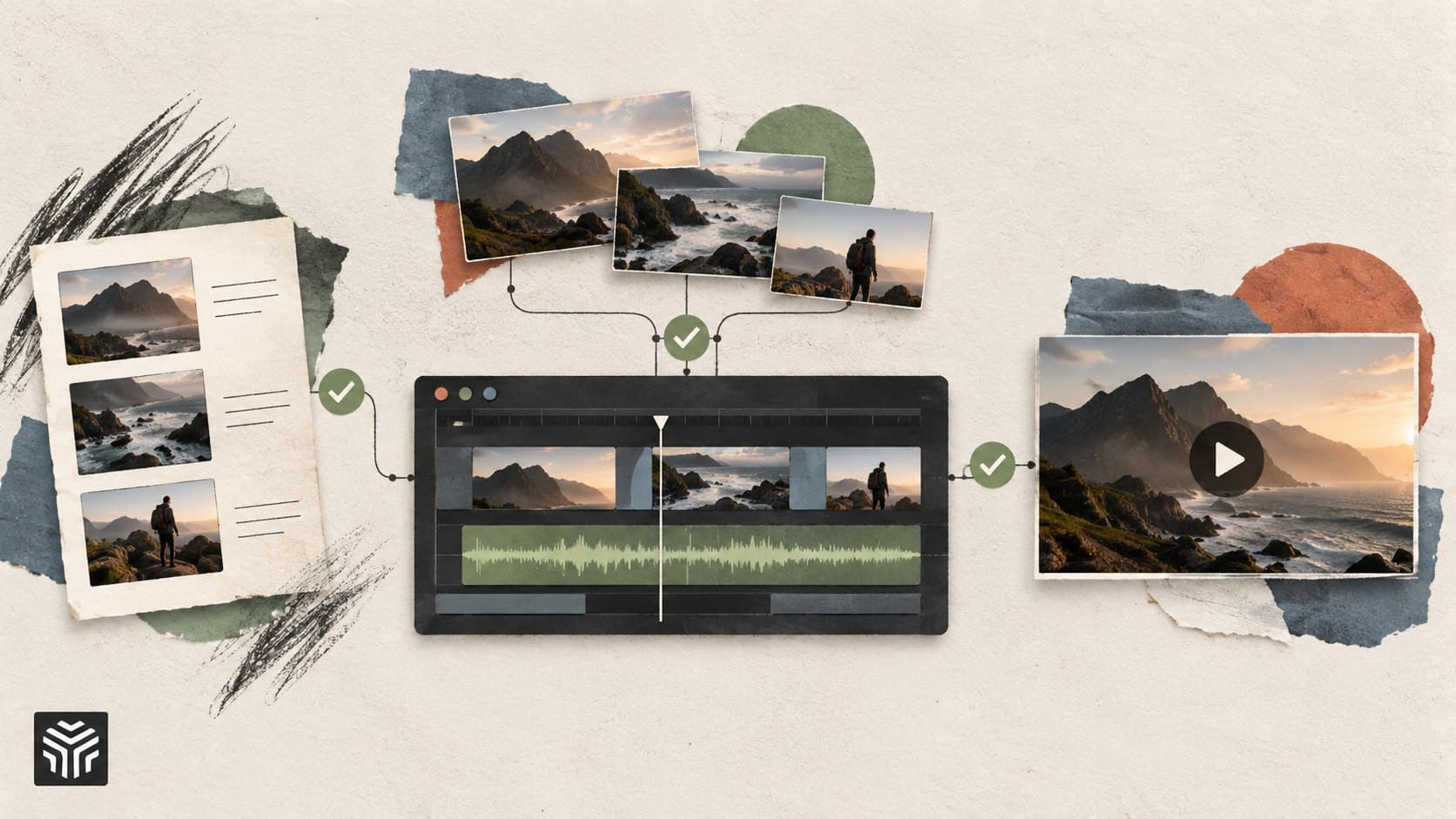
How Agentic AI Can Simplify Multi-Step Video Production Workflows
Agentic AI connects video production tasks such as footage review, take selection, first cuts, B-roll, and revisions into a coordinated workflow. Learn how editors can delegate repetitive work while retaining control over storytelling, accuracy, and final approval.
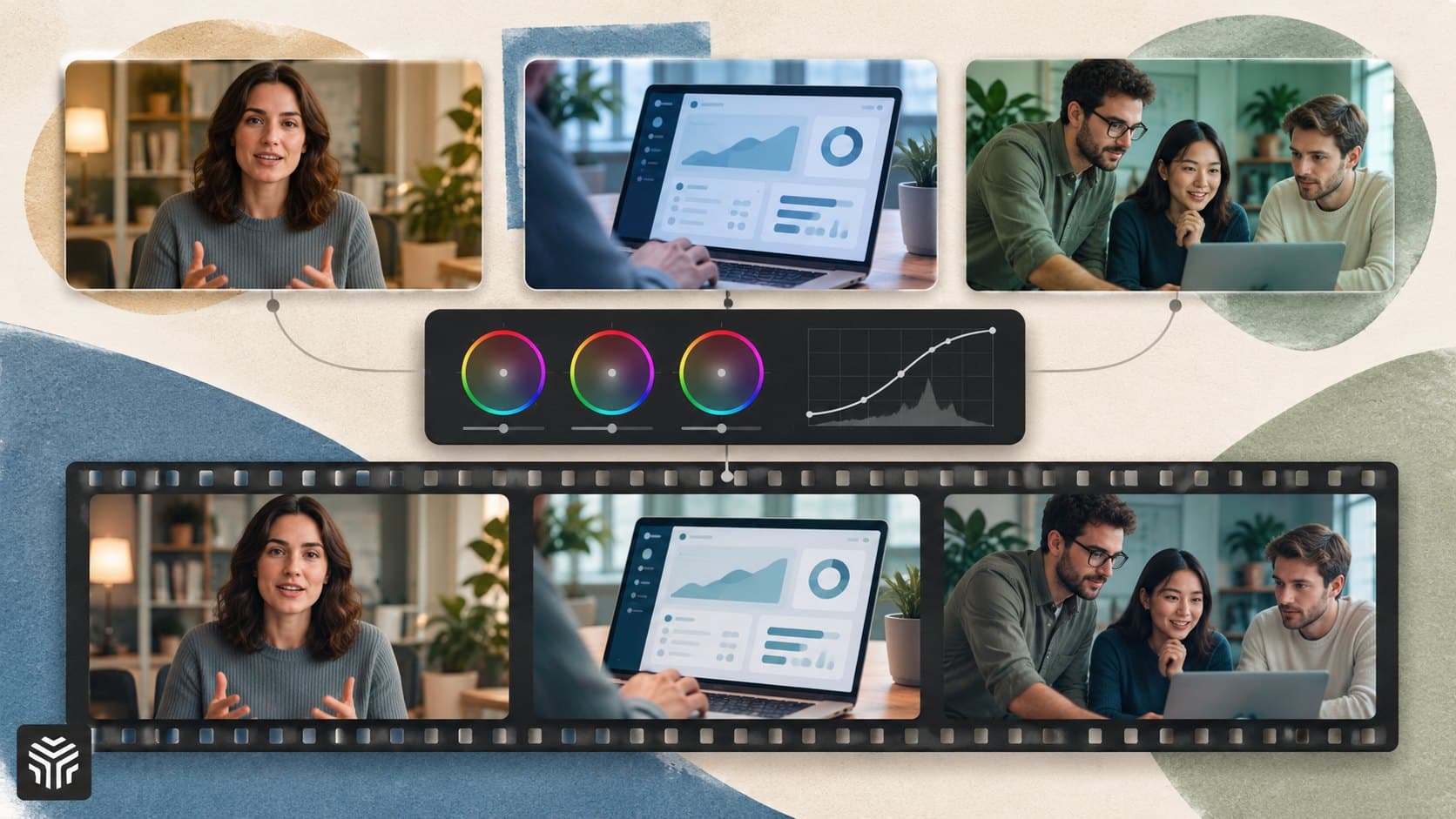
How Color Grading Creates a Consistent Visual Style for SaaS Product Videos
Learn how SaaS teams can use color grading to create a consistent visual style across product demos, tutorials, and launch videos. This guide covers correction, shot matching, brand color accuracy, AI assistance, and repeatable workflows that keep footage visually connected.
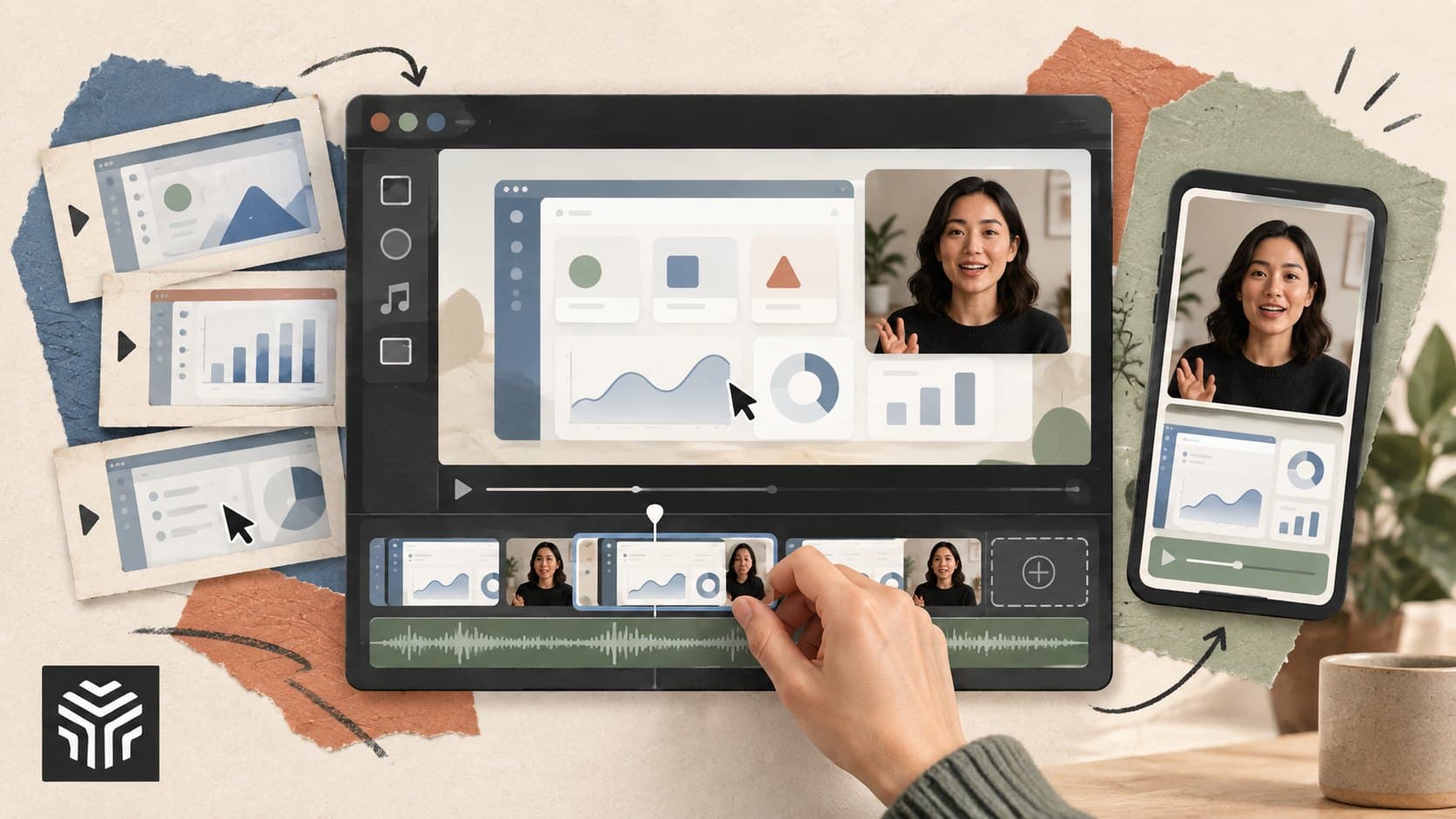
A Practical Guide to Create Professional Videos Online for SaaS and Startup Teams
A practical guide to creating professional videos online for SaaS and startup teams. Learn how to plan a clear message, organize footage, improve pacing and audio, add captions, streamline reviews, and repurpose videos across channels while using AI to reduce repetitive editing work.