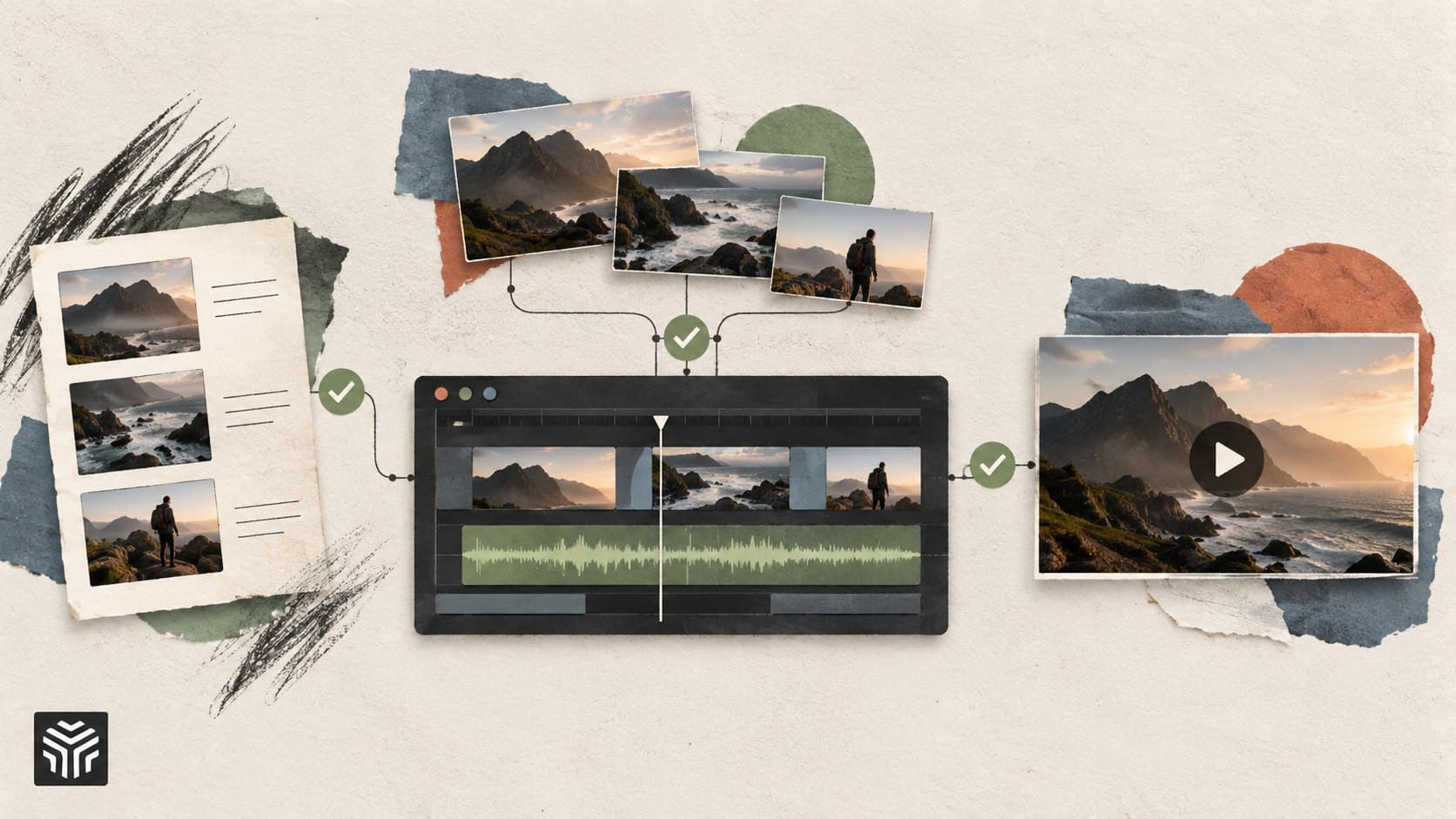
How Agentic AI Can Simplify Multi-Step Video Production Workflows
TL;DR: Video production often involves many connected tasks, from reviewing footage and selecting takes to adding B-roll, cleaning audio, and creating short versions. Agentic AI can connect these steps into a single workflow. Instead of running one AI feature at a time, an agent can follow a broader instruction, perform several editing tasks, and return the work for human review. This can reduce repetitive work while keeping creative decisions with the editor.
Introduction
A video can take hours to edit even when the final result is only a few minutes long. Editors may need to review every take, find useful moments, remove pauses, sync cameras, add supporting footage, adjust pacing, and create different versions for each platform.
The problem isn't always the complexity of one task. It's the number of small tasks that have to happen in the right order.
That's where agentic AI can change the workflow. Instead of asking an AI tool to perform one action at a time, you can give an AI agent a broader goal. The agent can then work through several connected steps and return the result for review.
An agentic video editor applies this idea directly to video production. It can understand footage, perform multi-step editing work, and make changes on an editable timeline rather than simply generating a finished file.
This article explains how that workflow works, where it can save effort, and why human judgment still matters.
What is an agentic video editor?
An agentic video editor lets you give AI a complete editing assignment instead of asking it to perform only one action. The agent can understand the footage, decide which editing steps are needed, carry them out, and place the result on a timeline that the editor can review and change.
A standard AI feature might remove silence, create captions, or clean background noise. Those features can be useful, but the editor usually decides when to run each one.
An agentic workflow works at a broader level.
For example, an editor could say:
"Create a first cut from these interviews, remove false starts, keep the strongest answers, and make the pacing tighter."
The agent can break that instruction into connected tasks. It may review the footage, identify useful takes, remove unwanted sections, arrange clips, and prepare a first cut.
This is an important distinction. Agentic editing isn't simply about adding more AI features to an editor. It's about allowing AI to handle a connected piece of production work.
How does agentic AI simplify video production?
Agentic AI simplifies production by connecting repetitive editing steps into a single assignment. Instead of manually moving from footage review to cutting, cleanup, B-roll, and versioning, an AI agent can perform related tasks in sequence while the editor supervises the result.
Consider a typical interview project. The raw footage may contain several takes, long pauses, repeated answers, and multiple camera angles.
A traditional workflow could look like this:
Watch and organize the footage.
Find the strongest takes.
Sync the camera angles.
Remove mistakes and pauses.
Build the first assembly.
Search for supporting B-roll.
Adjust pacing.
Create shorter versions.
Each step requires attention. The editor also has to keep track of decisions made earlier in the project.
An agentic workflow can combine several of these steps. The editor provides the goal and constraints, while the agent handles the repetitive execution.
This doesn't mean every project should be handed over to AI. Complex storytelling still needs human decisions. The value comes from shifting repetitive work away from the editor so more attention can go toward the story.
Where can AI agents help most?
AI agents are most useful when a production task contains many repeatable actions that follow a clear goal. They can help with footage selection, first assemblies, multicam editing, visual search, cleanup, restructuring, B-roll, and creating different versions of an existing edit.
1. Reviewing and selecting footage
Long recordings can contain many moments that never make the final cut. An agent can analyze footage and help locate specific people, actions, objects, scenes, or camera angles.
This can reduce the need to manually scrub through every clip.
2. Building a first cut
A rough cut doesn't need to be perfect. It needs to give the editor something useful to review.
An agent can select usable takes, remove obvious filler, and assemble an editable first draft. The editor can then focus on whether the sequence communicates the intended message.
3. Handling multicam projects
Multiple cameras create another layer of work. Footage needs to be synchronized, speakers need to be identified, and camera changes need to make sense.
An agent can handle parts of this process before the editor fine-tunes the final choices. Invideo editor, for example, describes an editing agent that can sync multiple camera angles and switch between speakers on a multitrack timeline.
How can an agentic workflow handle revisions?
Agentic editing works best as a loop: brief the agent, review the result, give feedback, and revise the timeline. This keeps the editor involved instead of treating AI output as a final answer.
Imagine the first cut feels too slow. Instead of rebuilding the sequence manually, an editor might ask the agent to tighten pauses and shorten sections that repeat the same point.
The result still needs review. A faster cut isn't automatically a better cut.
The editor may decide that one pause creates emotion, a longer reaction shot adds meaning, or a repeated sentence should stay because it provides important context.
This is why an editable timeline matters. An agent can perform the work, but the editor should be able to inspect and change it.
Invideo editor follows this model by combining AI-assisted editing with a multitrack timeline. Users can direct the agent, review the result, and continue editing manually.
For teams, this can make revision requests more specific. Instead of saying "make it better," feedback can focus on a particular outcome, such as shortening the introduction, replacing a weak take, or changing the pacing of one section.
From one video to many versions
Content teams rarely create only one version of a video. A long interview might become a full YouTube video, several short clips, a product highlight, and social media cuts.
This is another area where agentic workflows can help.
The core story doesn't need to be rebuilt from scratch each time. An editor can define the purpose of a new version and let the system handle some of the repetitive restructuring.
For example:
A 20-minute interview can become several topic-based clips.
A horizontal video can be adapted for vertical platforms.
A product demo can be shortened around one feature.
A webinar can be divided into clips answering specific questions.
A long explanation can become several short educational videos.
AArena's recent coverage of AI video repurposing also highlights this basic workflow: existing recordings can be turned into shorter pieces using tools such as transcription, highlight selection, reframing, and captions.
An agentic video editor can take this further by treating repurposing as an editing assignment rather than a series of disconnected commands.
What should humans still control?
AI can perform editing tasks, but humans should remain responsible for the creative direction, accuracy, context, and final approval. An agent can make a technically valid edit that still fails to communicate the intended idea.
Human review matters for several reasons.
Story: The strongest technical cut isn't always the strongest narrative.
Accuracy: Visuals, captions, names, numbers, and claims still need checking.
Brand: Teams need to decide whether pacing, visuals, sound, and language fit their identity.
Context: AI may not understand why a specific pause, reaction, or imperfect moment matters.
Ethics: Editors should check generated or sourced visuals and make appropriate disclosures when needed.
The goal isn't to remove editors from the workflow. It's to give them more control over where their time goes.
This is also why an agentic video editor should be treated as an assistant rather than an automatic decision-maker. The agent can handle execution, while the human decides what the finished video should communicate.
A practical agentic production workflow
A useful workflow starts with a clear brief. The more specific the desired outcome, the easier it is to review whether the agent did the right work.
A simple process looks like this:
1. Define the outcome
State the audience, purpose, target length, format, and important creative constraints.
2. Provide the source material
Add the footage, script, reference material, or other assets the project needs.
3. Delegate connected tasks
Ask the agent to perform a complete job, such as creating a first cut, selecting strong takes, or restructuring a section.
4. Review the timeline
Check the story, timing, visuals, audio, captions, and factual details.
5. Give focused feedback
Instead of asking for a completely new version, identify what needs to change and why.
6. Make the final decisions
Keep manual control over the parts that require taste, context, and responsibility.
An invideo editor can fit this type of workflow when the goal is to combine AI-assisted work with hands-on timeline editing. Its agentic editing features are designed around tasks such as first assemblies, footage search, multicam work, restructuring, and cleanup.
Teams that also need supporting visuals can use an AI B-roll workflow to find or generate footage and place it within the existing edit, then review the result on the timeline.
For people exploring broader AI-assisted production, an AI video editor can also handle individual tasks such as captions, audio cleanup, reframing, and other edits. The difference is that agentic workflows connect several of these actions around a larger goal.
What makes an agentic workflow useful?
The biggest benefit isn't simply doing one edit faster. It's reducing the number of small decisions and repetitive actions that interrupt the production process.
Editors can spend less time searching for a specific take or repeating the same adjustment across many clips. They can spend more time deciding which story deserves attention.
Still, agentic workflows work best when expectations are clear.
Before assigning a task, define:
What the final video should achieve
What material must stay
What the agent can change
What it must not change
The desired length and format
What the editor will review afterward
This creates a practical balance. AI handles execution, while the editor remains responsible for the result.
Conclusion
Agentic AI can simplify video production by turning a collection of small editing tasks into connected workflows. Instead of manually handling every step, editors can delegate work such as footage review, take selection, first assemblies, cleanup, restructuring, and versioning.
The most useful approach is not to remove human involvement. It's to reserve human attention for storytelling, creative choices, accuracy, and final approval.
If you're exploring an agentic video editor, start with one repetitive workflow. Give the agent a clear goal, review what it produces, and refine the process based on the results. An invideo editor can be one option for testing this approach while keeping the work editable on a timeline.
Which part of your current video production workflow would you most want an AI agent to handle?
Frequently Asked Questions
What is an agentic video editor?
An agentic video editor is an editing system that can receive a broader assignment and complete multiple connected editing actions. Instead of running one feature at a time, the user can describe the desired result and let the agent determine the required steps. The editor then reviews and changes the work on an editable timeline.
How is agentic editing different from regular AI video editing?
Regular AI video editing often automates individual actions, such as removing silence, creating captions, or cleaning audio. Agentic editing works at the level of a larger task. The agent can connect several actions, use project context, and respond to follow-up instructions. The main difference is the scope of work being delegated.
Can AI create a first cut from raw footage?
Yes. An AI editing agent can review raw footage, select usable takes, remove false starts and repetition, and assemble an editable first draft. However, the first cut still needs human review. Editors should check performance, continuity, story structure, missing material, and any creative decisions that affect the final message.
Can an agentic workflow help with B-roll?
Yes. AI can help identify where supporting visuals may be useful, then find footage from available media or generate a suitable visual when supported. The editor should still check whether each shot supports the story, fits the surrounding footage, and is appropriate for the project.
Does agentic video editing replace human editors?
No. Agentic editing is better understood as delegated execution rather than full creative replacement. Editors still decide what the video should communicate, which moments matter, whether the pacing works, and whether the final result is accurate. Human review remains important because a technically correct edit can still make the wrong creative choice.
What is a good way to start using an invideo editor?
Start with a repetitive task that already has a clear outcome, such as creating a first cut from interviews or finding useful moments in a long recording. Give specific instructions about length, structure, and material that must remain. Review the result, make corrections, and then expand the workflow to more complex tasks.
Keep reading
How AI Video Editors Are Changing the Way SaaS Teams Create Marketing Videos
A practical guide to using AI video editors in SaaS marketing, covering product demos, webinar repurposing, content variations, and the human review needed before publishing.
A Practical Guide to Create Professional Videos Online for SaaS and Startup Teams
A practical guide to creating professional videos online for SaaS and startup teams. Learn how to plan a clear message, organize footage, improve pacing and audio, add captions, streamline reviews, and repurpose videos across channels while using AI to reduce repetitive editing work.
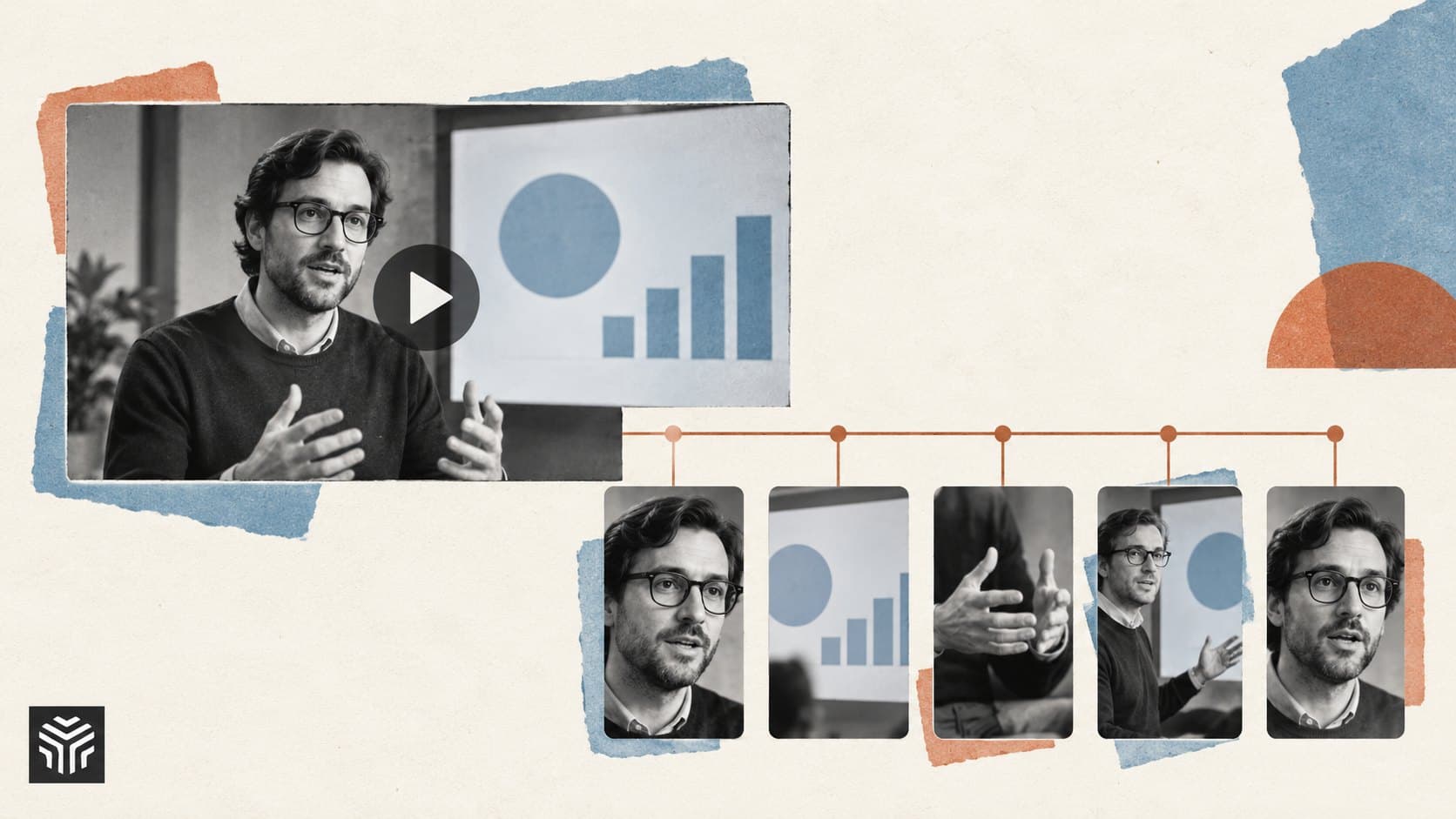
AI Video Repurposing: Turn One Webinar Into 5 Useful Clips
A webinar can contain several useful videos, but an automatic highlight reel still needs an editor’s judgment. This guide shows how to find five distinct clip ideas, compare AI tools, and prepare short videos that make sense without the full recording.